Step 1
Access your profile
Go to your Instagram profile and tap the three lines in the top right corner.

We'll show you how to get the necessary file in just a few steps.
Skip tutorialGo to your Instagram profile and tap the three lines in the top right corner.
Within your profile, look for the option to access the Account Center.
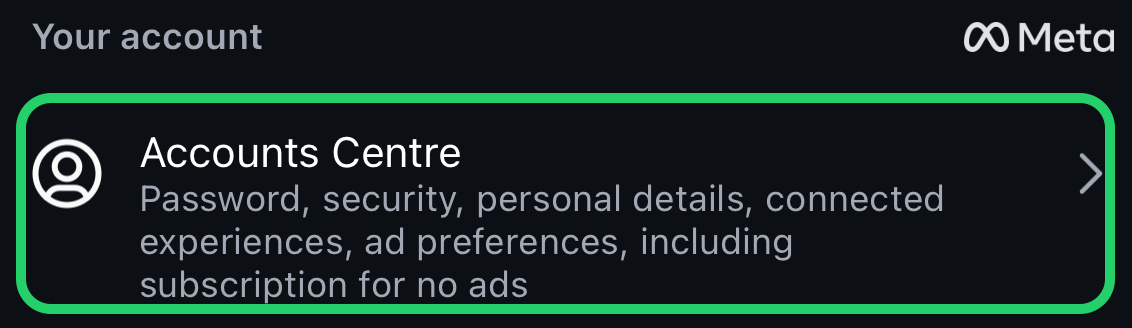
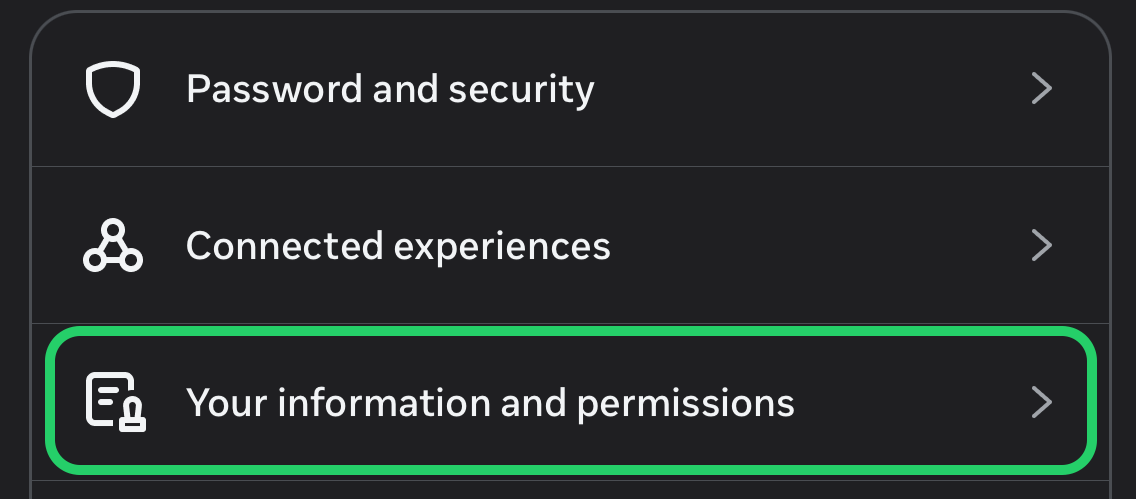
Select "Your information and permissions" .
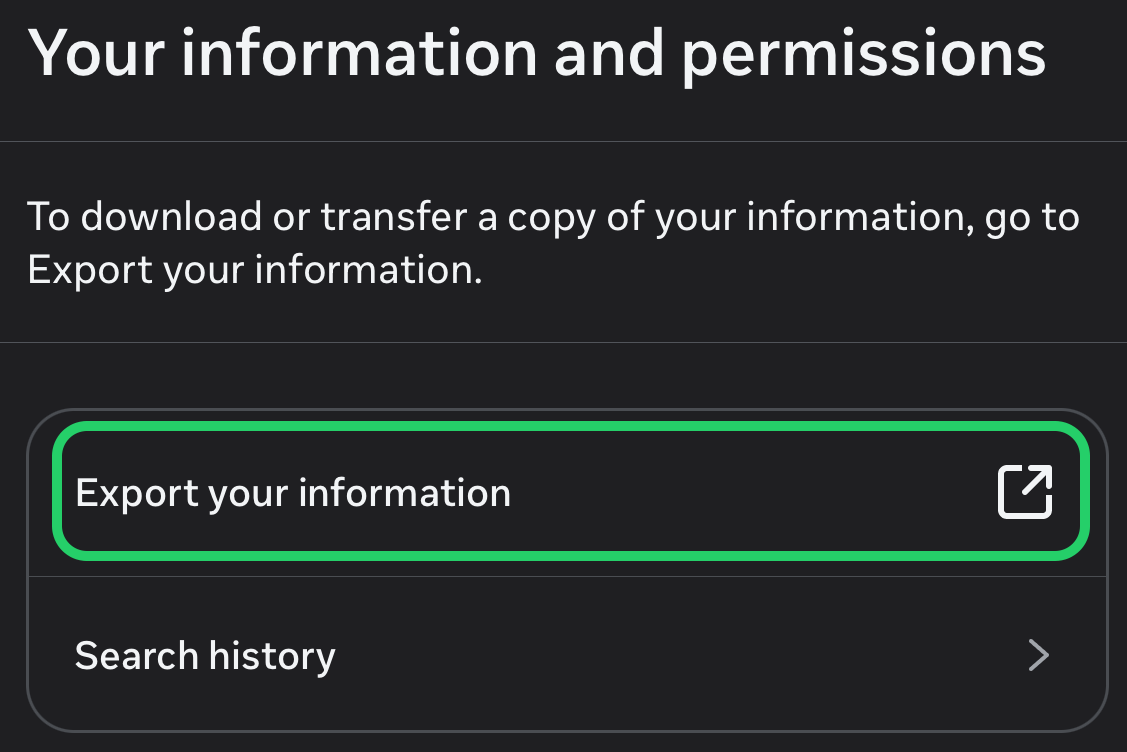
Request "Export your information".
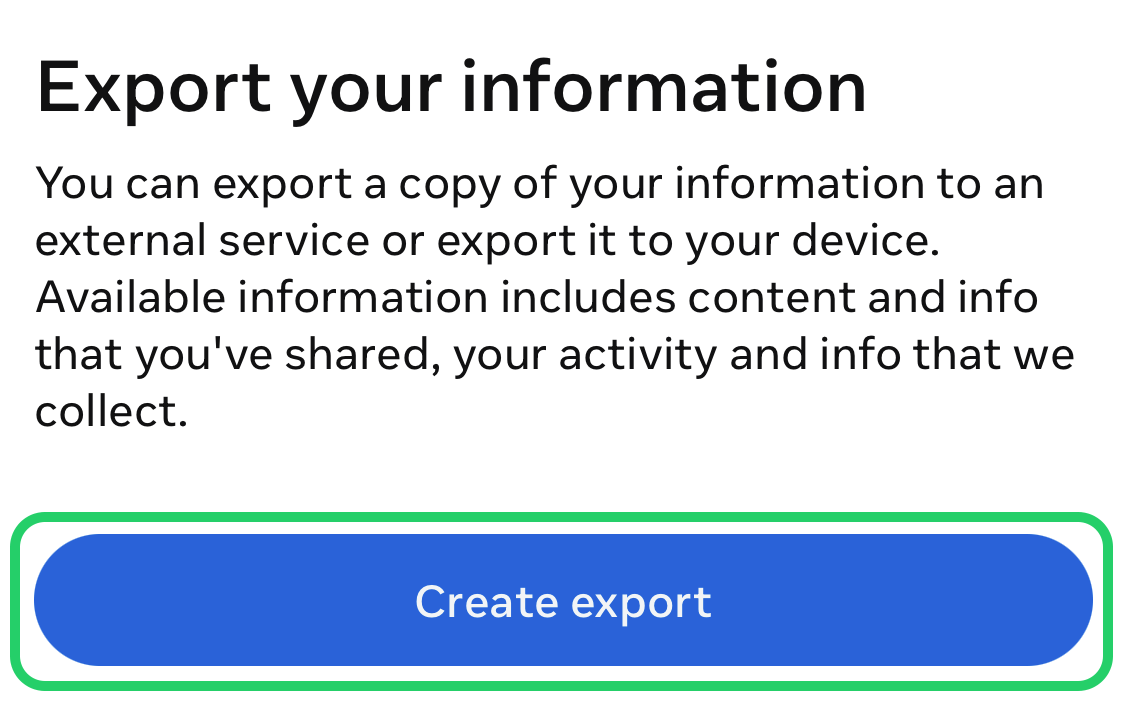
Request a new export in "Create export".
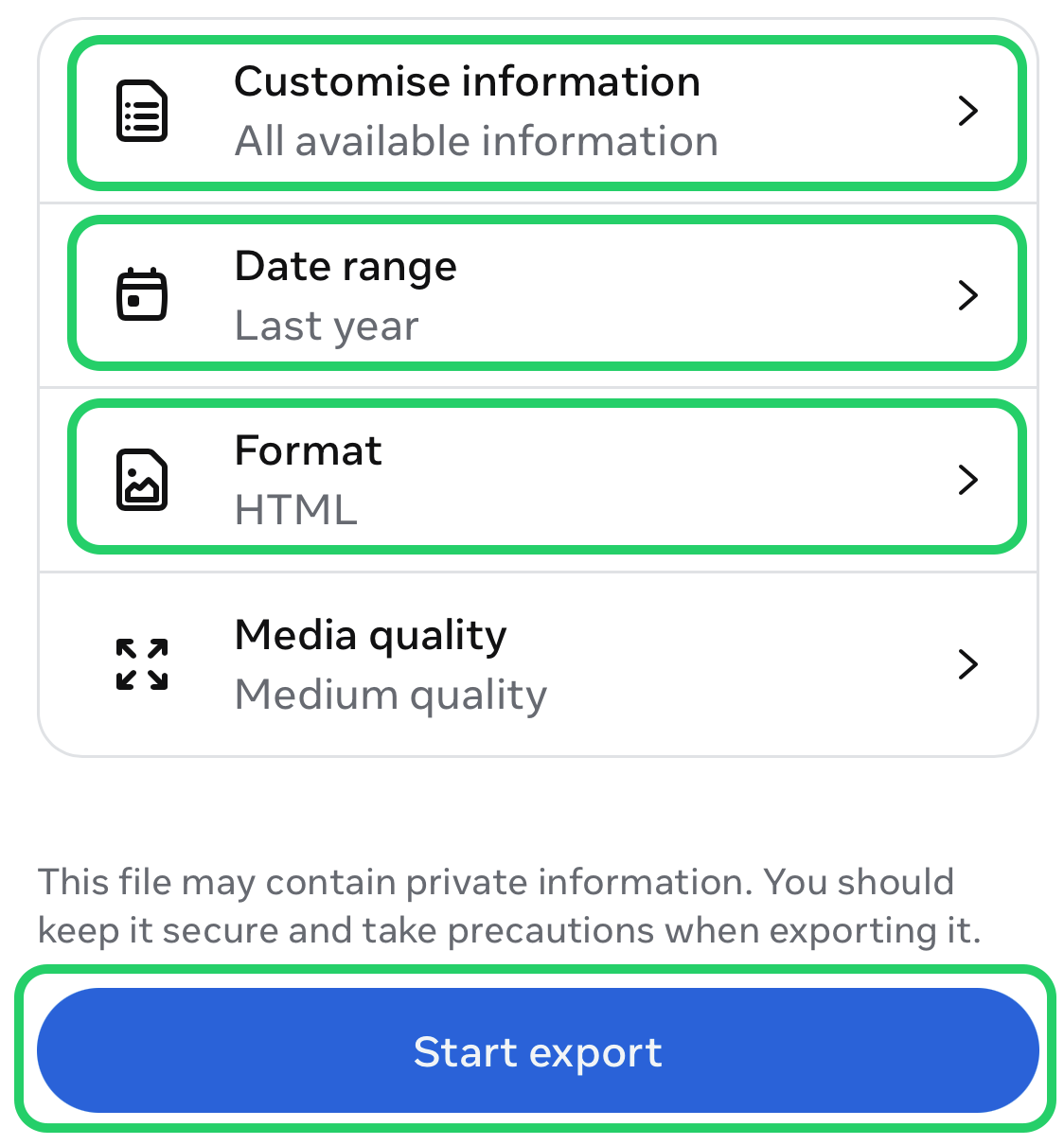
Select the information you want to export (at least Messages), the date range and the JSON format, then tap "Start export".
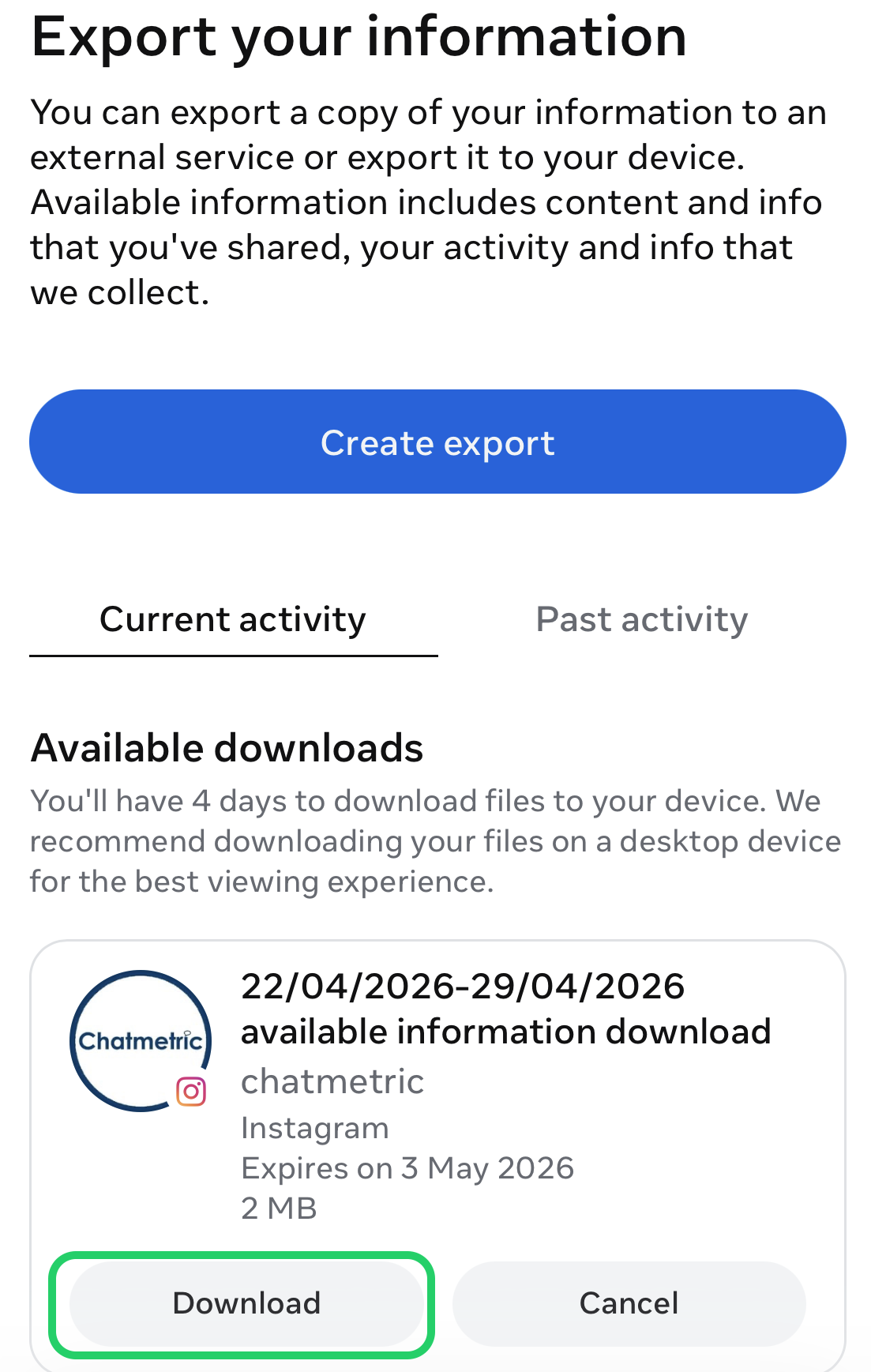
You will receive an email with a link to export the file, on the same screen where you previously requested the export.
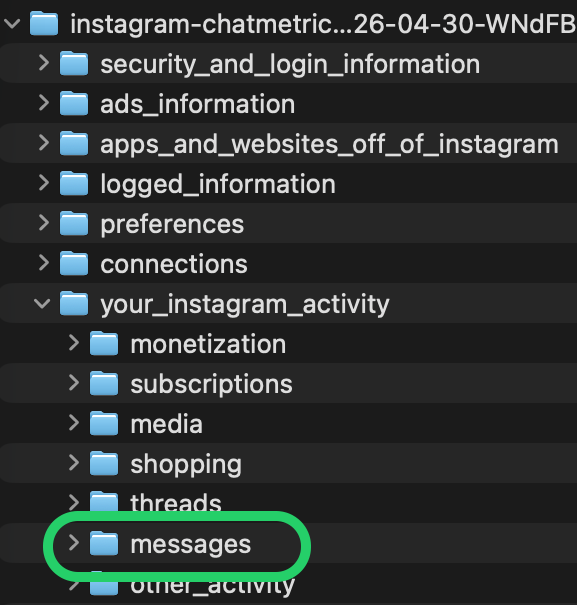
Unzip the download: each conversation has its own folder inside your_instagram_activity › messages › inbox. Upload the .json file of the conversation you want to analyze.
Now attach the file you just saved on the next screen to start the analysis.
Attach fileTHIS WEBSITE USES COOKIES
We use our own and third-party cookies for analytical purposes and to show you personalized advertising based on a profile created from your browsing habits. You can accept, reject or customize their use below. Click here to learn more.