Get the required file for analysis in under 1 minute.
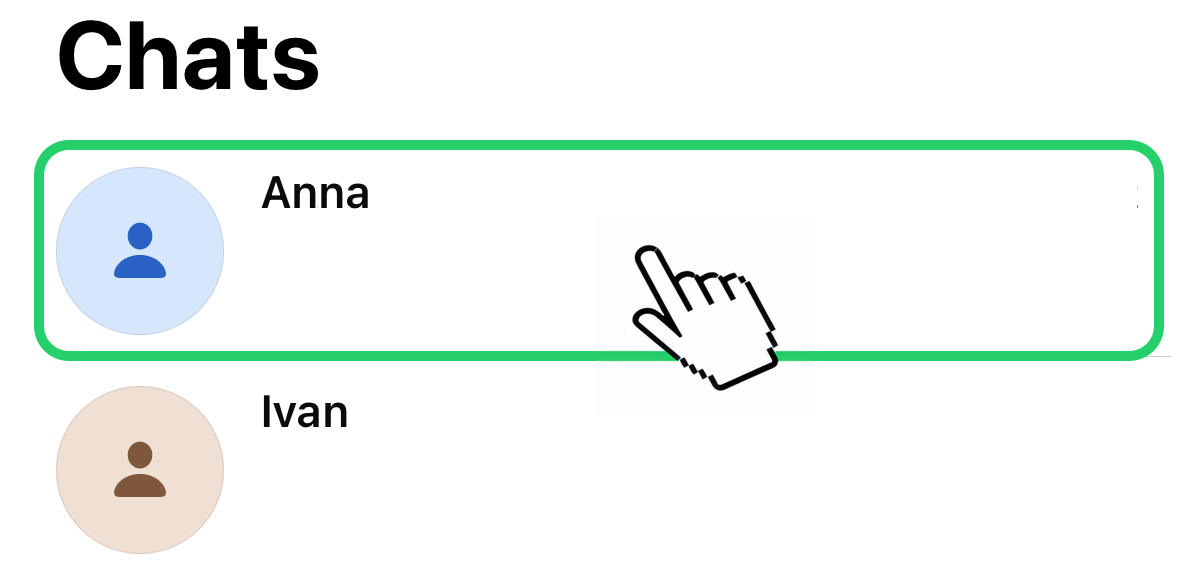
Open WhatsApp and select the chat you want to analyze.
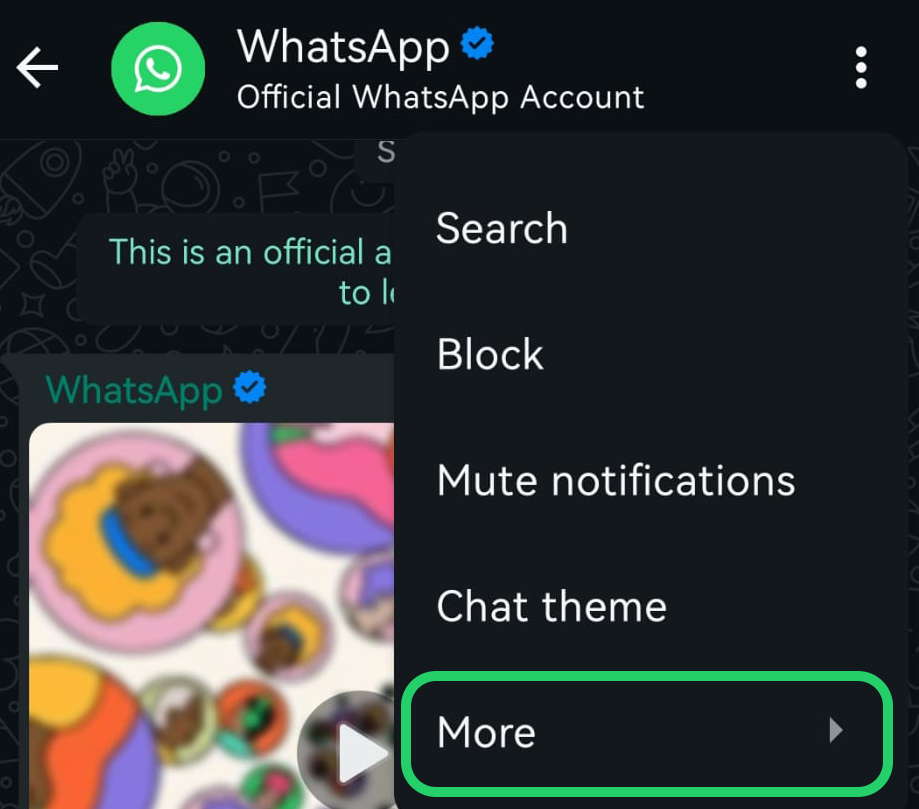
Tap the menu (⋮) at the top right and then "More".
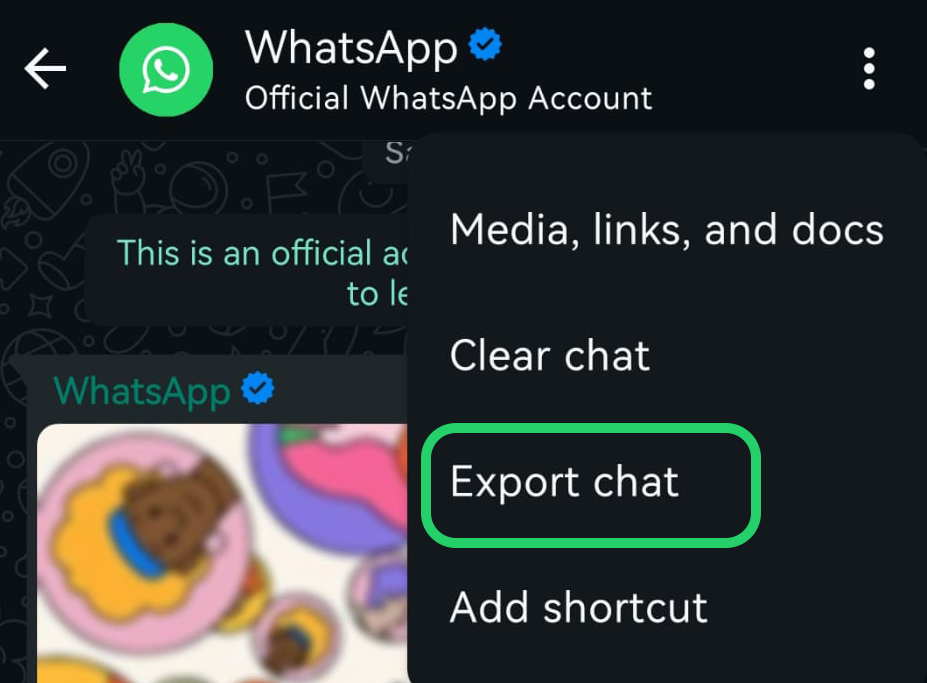
Tap the "Export Chat" option.
In the share menu, select "Save to Files" to download the history (.zip or .txt).
Now attach the file you just saved on the next screen to start the analysis.
Chatmetric needs JavaScript to work. Please enable it in your browser.
THIS WEBSITE USES COOKIES
We use our own and third-party cookies for analytical purposes and to show you personalized advertising based on a profile created from your browsing habits. You can accept, reject or customize their use below. Click here to learn more.
Analytics Advertising